

Knowledge Base / News / IT & Data Centers
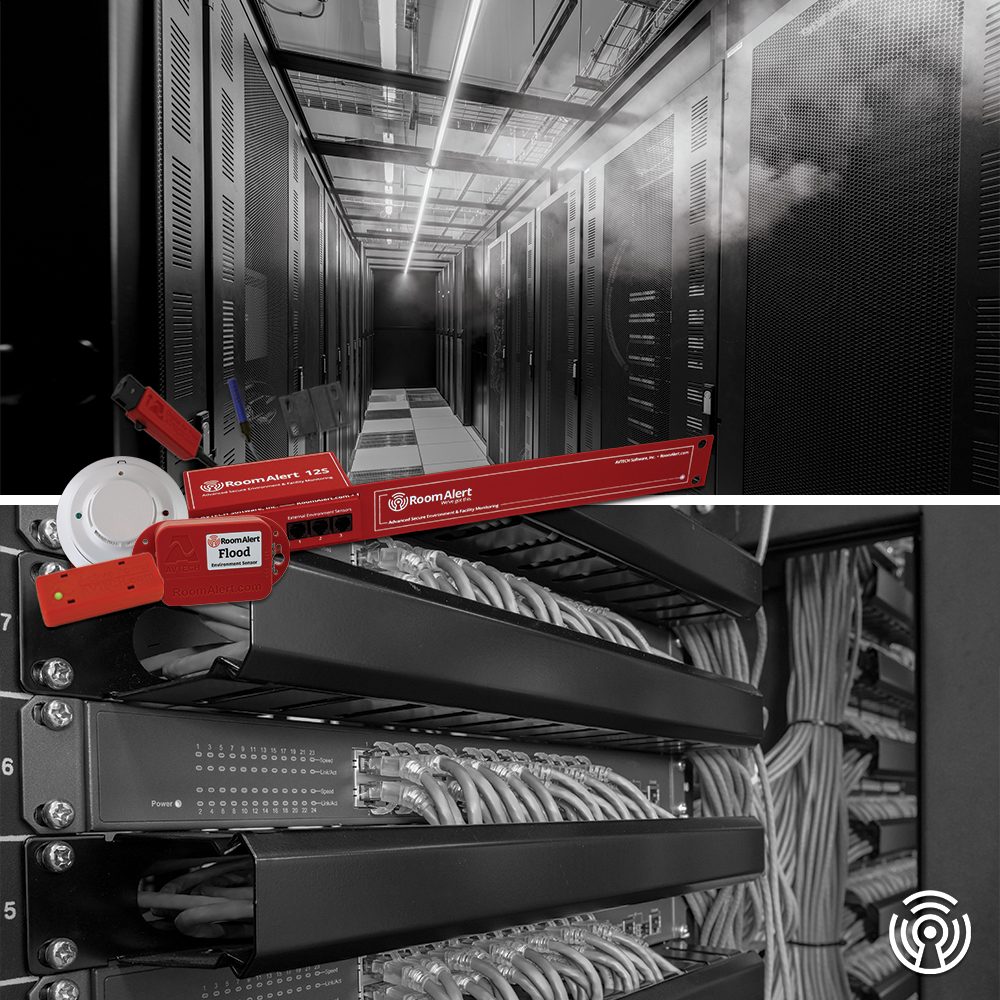
As organizations plan for the year ahead, one priority remains constant: keeping networks reliable and always available. Yet some of the most critical pieces of network infrastructure, Main Distribution Frames (MDFs) and Intermediate Distribution Frames (IDFs), are often the least visible and least protected.
These closets quietly support daily operations across offices, campuses and facilities. When conditions inside them go unchecked, even a minor issue can quickly escalate into damage that affects users, systems and productivity. That reality is why our team is proud to launch the Room Alert MDF/IDF Monitor, a purpose-built solution designed to protect these essential spaces from common environmental threats.
MDF and IDF closets rarely look risky at first glance. However, inside they house switches, patch panels and other networking equipment that are highly sensitive to their environment. Heat buildup, poor airflow, humidity swings, water leaks, smoke, power interruptions and even unauthorized access can all cause sudden failures.
These risks are especially challenging because MDFs and IDFs are distributed, unattended and easy to overlook. Problems frequently go unnoticed until systems go offline and teams are forced into reactive response mode.
Proactive environment monitoring changes that equation by providing teams with early warning so issues can be addressed before service is disrupted.
The Room Alert MDF/IDF Monitor is a complete monitoring bundle built specifically for the unique demands of MDF and IDF closets. Instead of assembling individual components, organizations can deploy this single, ready-to-use solution designed to continuously track the conditions that matter most.
This monitor bundle includes a Room Alert 12SR paired with essential sensors to oversee:
• Temperature, humidity, heat index and dew point to help prevent overheating and moisture related damage
• Airflow to quickly identify cooling or ventilation failures
• Water intrusion to provide early detection of leaks
• Power and room entry to offer visibility into outages or unexpected access
• Smoke to add an extra layer of protection
All Room Alert sensor data is compiled and easily accessible through the Room Alert Account dashboard. From there, users can set customizable alerts that notify the right people the moment conditions move out of range, eliminating the need for constant manual checks. Customers can also integrate their Room Alert devices into their preferred SNMP program over SNMP v3. (SNMP v1 traps and SNMP v2c also available).
Whether supporting a single building or multiple locations, the Room Alert MDF/IDF Monitor helps organizations protect network infrastructure where problems often start. By continuously monitoring these overlooked spaces, teams gain better visibility, faster response times and greater confidence that their network environment is under control.
As the new year begins, now is the right time to strengthen network protection beyond the data center. MDF and IDF closets may be out of sight, but they should never be out of mind.
Buy the Room Alert MDF/IDF Monitor now and start the year with smarter, more proactive network protection!


We'd love to talk with you about your monitoring needs. Contact one of our Product Specialists for a free consultation.





You may find Windows Command Prompt at the following path:
To run Windows Command Prompt as an administrator:

If you are using this client, you should configure the general SNMPv3 Credentials, but leave the Read / Write SNMPv3 Credentials section blank.

| Current S models | Current E models |
|---|---|
| Room Alert 32S | Room Alert 32E |
| Room Alert 12S | Room Alert 12E |
| Room Alert 3S | Room Alert 4E |
| Room Alert 3E | |
| S models | E & W models |
|---|---|
| Room Alert 32S | Room Alert 32E |
| Room Alert 12S | Room Alert 12E |
| Room Alert 3S | Room Alert 4E |
| Room Alert 3E | |
| Room Alert 3W |
| Model |
|---|
| Room Alert MAX |
| Room Alert 32S |
| Room Alert 12S |
| Room Alert 3S |
| Room Alert 32E/W |
| Room Alert 12E |
| Room Alert 4E |
| Room Alert 3E |
| Room Alert 3 Wi-Fi |


